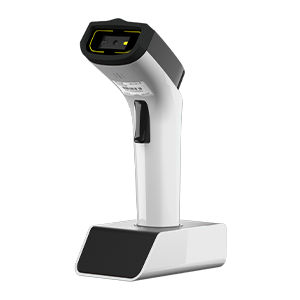
HF settings#
Note
Available only on wireless models with 13.56 MHz HF RFID capability.
Scan Mode#
2D and RFID switching#
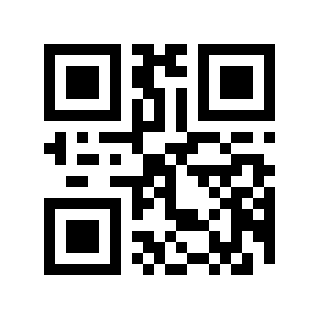
* 2D only#
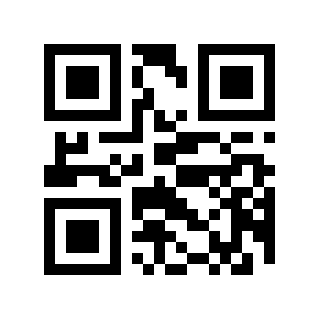
RFID only#
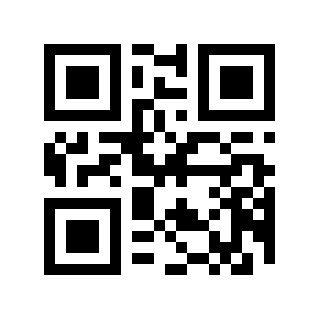
2D&RFID#
Note
In RFID only mode, press and hold the Trigger Button for 8 seconds to switch to 2D&RFID mode.
Trigger reading mode#
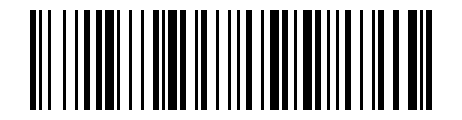
* Key scan mode (default)#
Press the Trigger Button to start reading, and release it to stop reading.
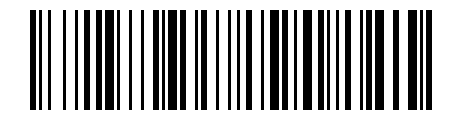
Continuous scan mode#
Press the Trigger Button to start or stop continuous reading.
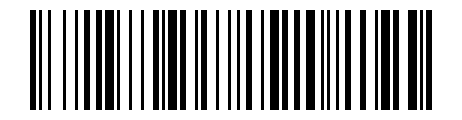
Key pulse scan mode#
Press the Trigger Button once to start reading. Reading ends automatically after a successful read or timeout.
UID output format settings#
Output format#
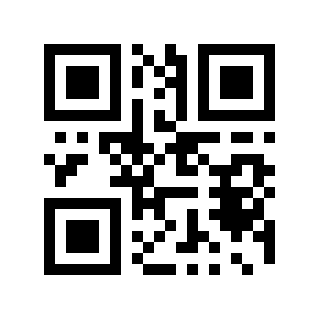
raw hexadecimal (hex)#
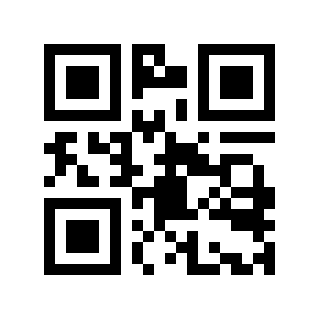
* ASCII (high byte first)#
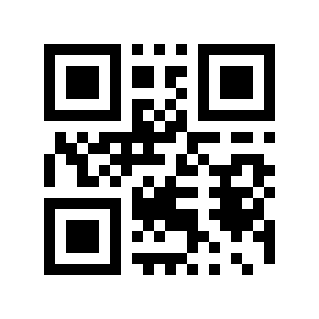
ASCII (low byte first)#
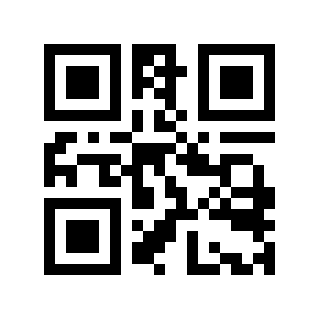
Decimal (high byte first)#
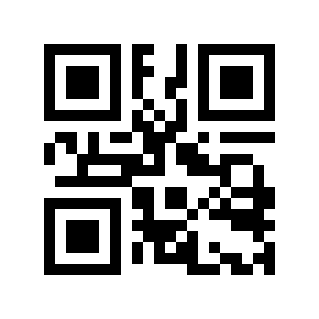
Decimal (low byte first)#
For example, when the UID output is E0 00 12 34:
ASCII: E0001234
ASCII LSB: 341200E0
Original(hex): 0xE0,0x00,0x12,0x34
Decimal MSB: HEX2DEC(0xE0001234) = 3758101044
Decimal LSB: HEX2DEC(0x341200E0) = 0873595104
Remove leading zeros#
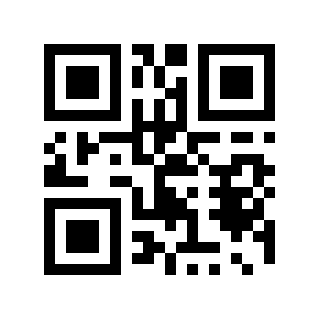
* Disable#
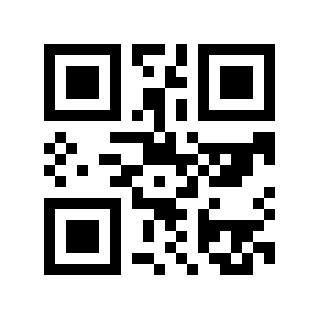
Enable#
For example, the original output is 0001234. With “Remove leading zeros” enabled, the output is 1234.
Terminator Settings#
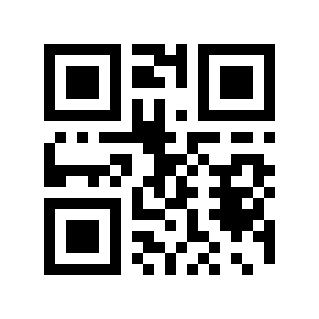
*CR#
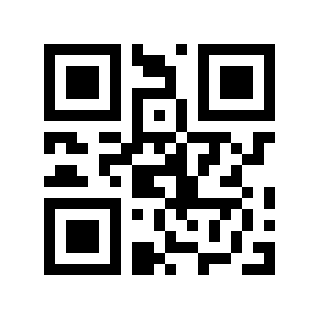
None#
Note
Only supports setting 1 character. Other symbols can be customized through %RFIDFMT#HE0\\xXX (\\xXX is hexadecimal, for example, the Tab terminator can use %RFIDFMT#HE0\\x09); the Original(hex) output format does not contain this character.
ID prefix settings#
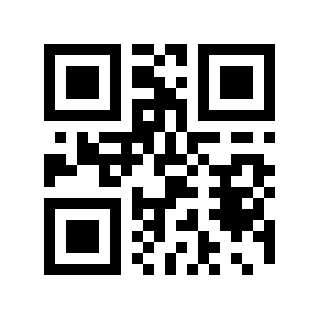
* Disable#
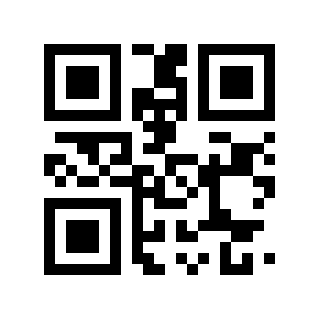
Enable#
When enabled, the RFID ID will be added with the UID: prefix, and the barcode data will be added with the COD: prefix.
User area read settings#
Note
Only applicable to some modules, and the required version is no lower than bn0GDS_HF9_RFSBTD43bc_FB06.
Read configuration#
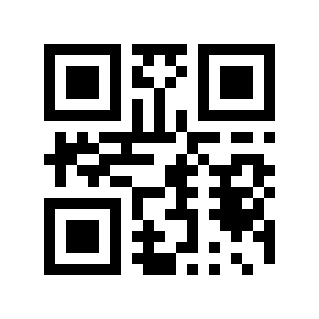
* UID only#
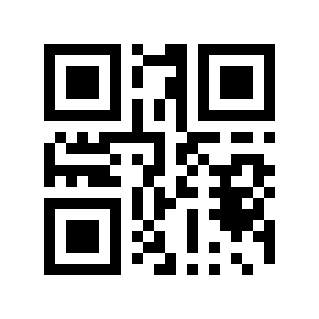
User only#
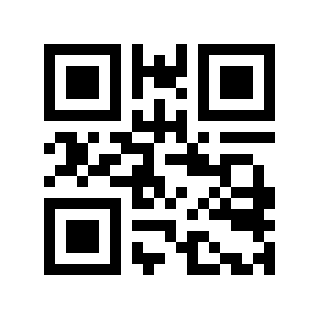
UID+User (for testing only)#
User NDEF parsing#
Note
When enabled, the payload data in the NDEF message will be parsed and extracted, which is only applicable to TEXT and URI type NDEF of some modules.
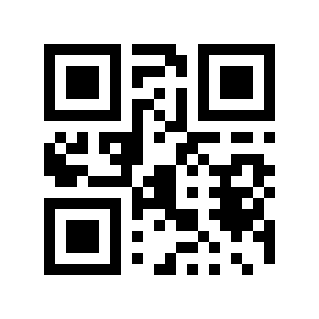
* Disable (output the read memory data)#
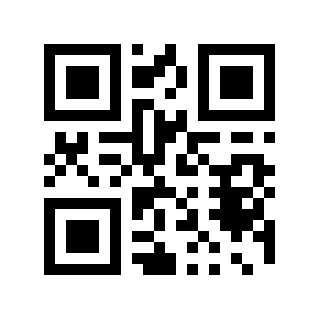
Enable (output NDEF payload)#
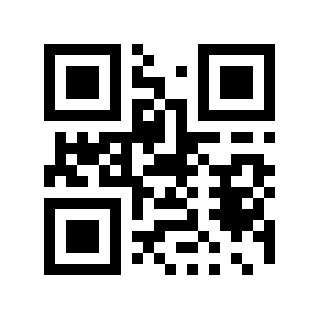
NDEF MSG (output NDEF Message)#
User block read settings#
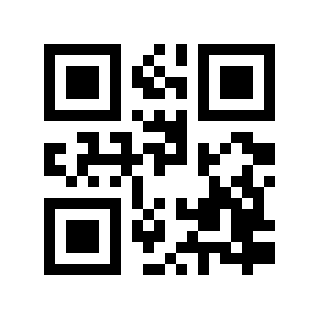
Set RFID User block starting block#
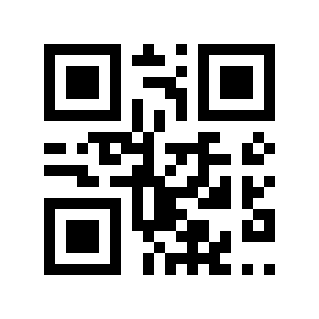
Set the number of RFID User block read blocks#
When setting the starting block or number of blocks to read:
Scan the corresponding Parameter Barcode first.
Identify the two-digit hexadecimal value to enter, such as
04,0C.Scan the Numeric Barcode, first the high digit and then the low digit.
Numeric Barcode#
For parameters that require specified values, please scan the corresponding hexadecimal digit Parameter Barcode.
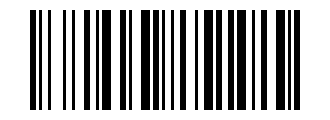
Numeric Barcode 0#
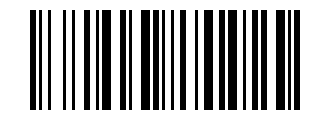
Numeric Barcode 1#
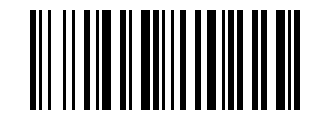
Numeric Barcode 2#
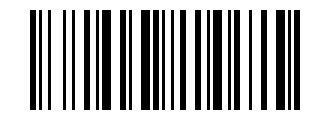
Numeric Barcode 3#
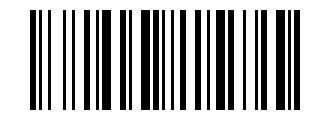
Numeric Barcode 4#
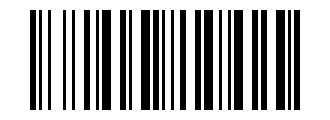
Numeric Barcode 5#
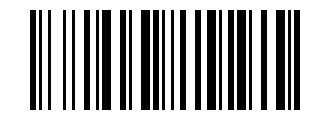
Numeric Barcode 6#
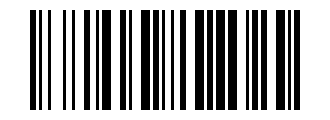
Numeric Barcode 7#
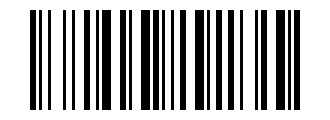
Numeric Barcode 8#
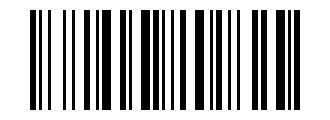
Numeric Barcode 9#
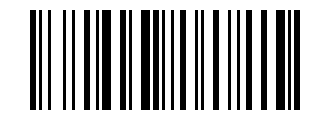
Numeric Barcode A#
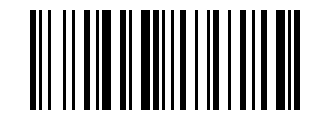
Numeric Barcode B#

Numeric Barcode C#
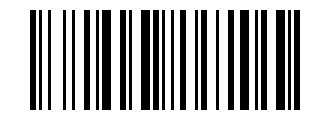
Numeric Barcode D#
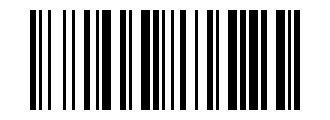
Numeric Barcode E#
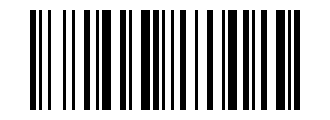
Numeric Barcode F#