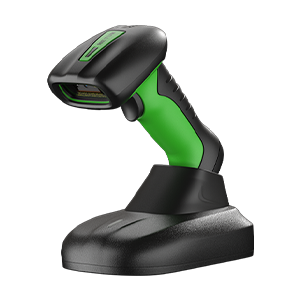
wired mode#
Note
Only applicable to scanners that support wired transmission.
USB transfer method#

* USB keyboard mode#

USB virtual serial port mode#
Note
After the automatic interface selection is turned on, the device will automatically switch between wired and wireless; when plugging in the USB cable, the wired mode will be used first. When the USB cable is not plugged in or USB is unavailable, the scanner works in 2.4G mode. Some models may not support this feature.

* Wired/wireless automatic selection turns on#

Wired/wireless automatic selection off#
USB keyboard transfer speed#
Note
This setting also affects the speed of RF and Bluetooth transmission of very long barcodes and stored data uploads.

* top speed#

top speed#

medium speed#

medium speed#

Read keyboard speed#

Read keyboard speed#
USB HID multi-key send settings#
Note
The settings in this section are only applicable to Windows systems.

USB HID multi-key sending enabled#

* USB HID multi-key sending off#