Communication Interface Settings#
Communication Interface Switching#

Serial Communication Mode# |

Factory Default: USB HID Communication Mode# |

USB CDC Communication Mode# |
USB Communication Version#

Factory Default: USB 1.1# |

USB 2.0# |
Serial Device Discovery#
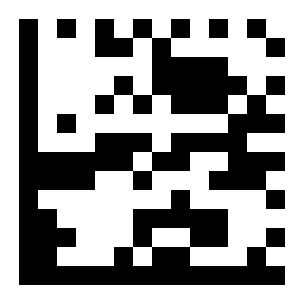
Factory Default: Do Not Use Serial Device for Discovery# |

Use Serial Device for Discovery# |
Note
This function can be used when the device is connected to the host through the serial port for debugging, but image transfer is not supported.
USB Keyboard Output Settings#

Factory Default: Disable Ignore Caps Lock# |
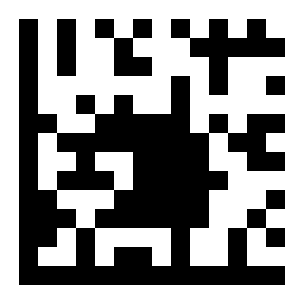
Enable Ignore Caps Lock# |
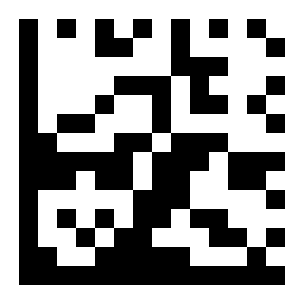
Factory Default: Disable Character Inversion# |
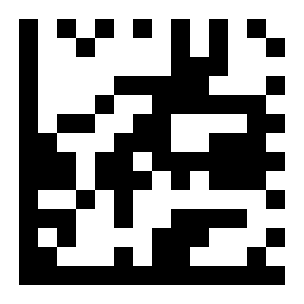
Enable Character Inversion# |
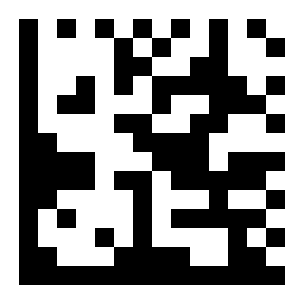
Case Conversion (Lowercase)# |
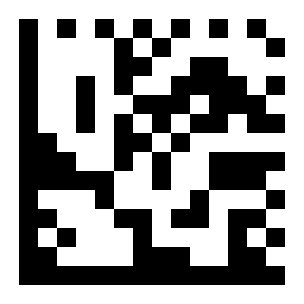
Case Conversion (Uppercase)# |

Factory Default: Disable Case Conversion# |
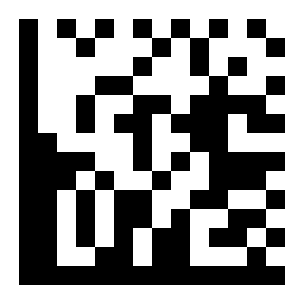
Enable Case Conversion# |
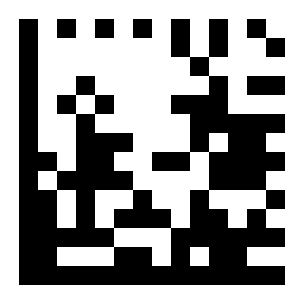
Character Interval: 100# |

Character Interval: 50# |
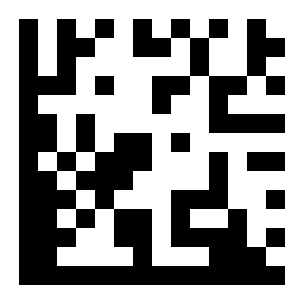
Factory Default: Character Interval: 10# |
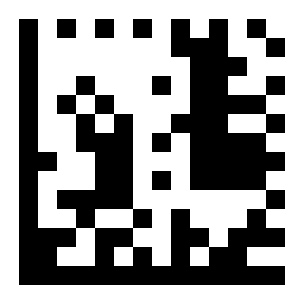
Character Interval: 0# |
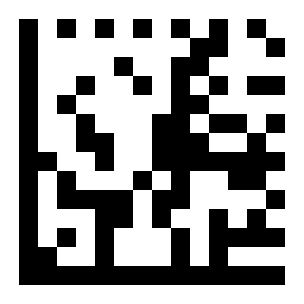
Barcode Interval: 100# |
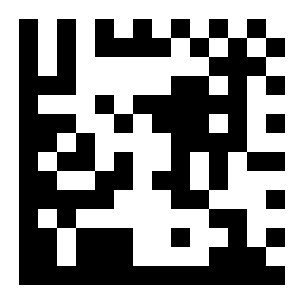
Barcode Interval: 50# |

Barcode Interval: 10# |

Factory Default: Barcode Interval: 0# |

Characters per Transmission: 20# |
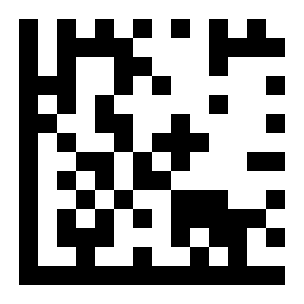
Characters per Transmission: 10# |
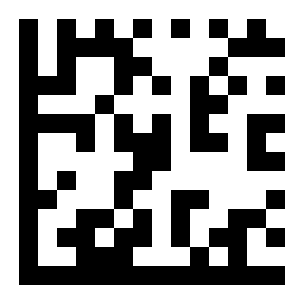
Factory Default: Characters per Transmission: 1# |

Factory Default: Disable Ignore Chinese Input Method# |
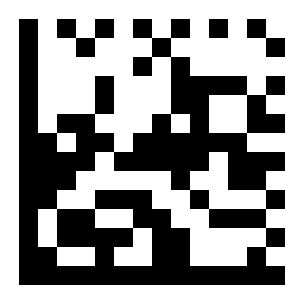
Enable Ignore Chinese Input Method# |
Serial Port Settings#
Baud Rate Settings#
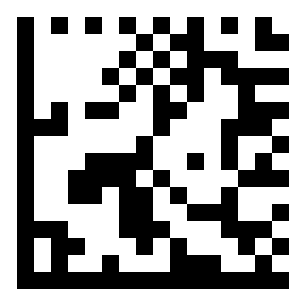
19200# |
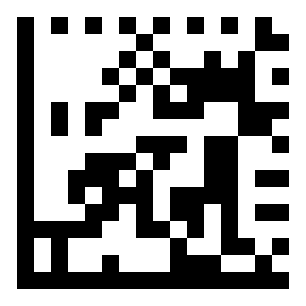
38400# |
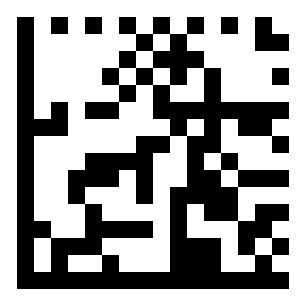
4800# |
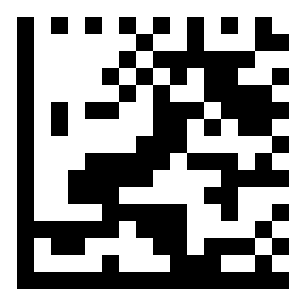
Factory Default: 9600# |
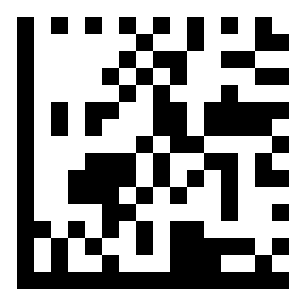
115200# |
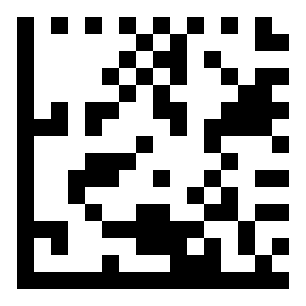
57600# |
Parity Settings#
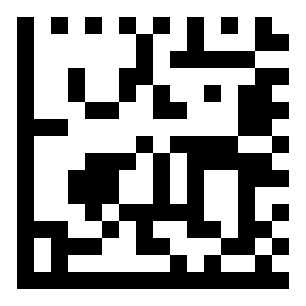
Even# |
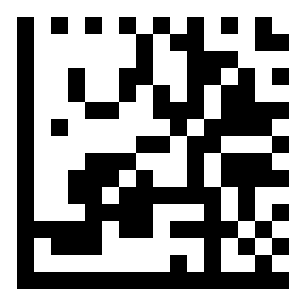
Odd# |
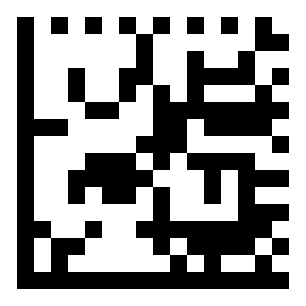
Factory Default: None# |
stop bit#
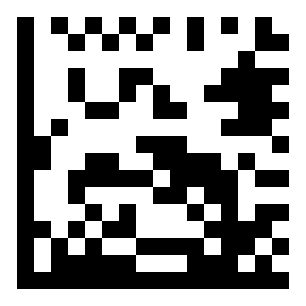
2# |
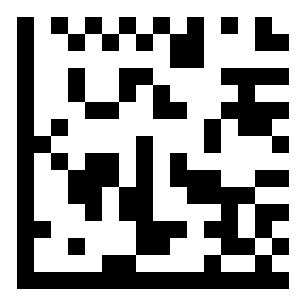
Factory Default: 1# |