Keyboard Settings#
HID Keyboard General Setting#
General HID Settings
Note
The general HID settings in this section apply to USB Keyboard, RF 2.4G Keyboard, and Bluetooth HID Keyboard modes.
Ctrl key combination settings#
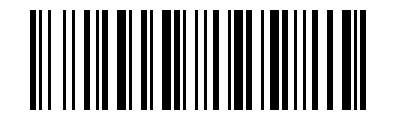
\* Combine-Key Off#
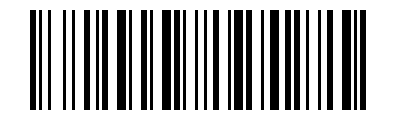
Ctrl+ Key Config1#
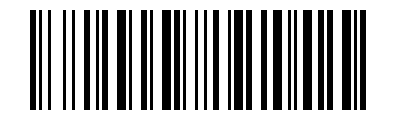
Alt+ Key Config2#
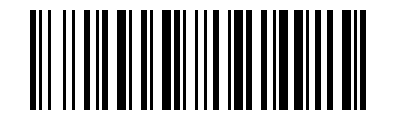
Normal-Key Config3#
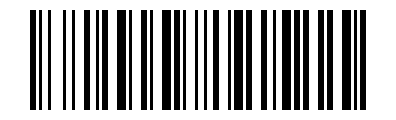
Ctrl+ Key Config4#
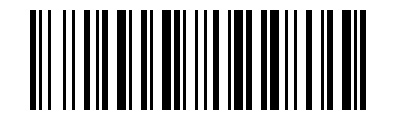
Alt+ Key Config5#
Note
only for ASCII <0x20 chars, Alt+ key only for Windows system.
Case settings#
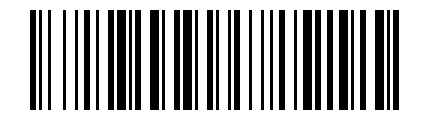
normal#
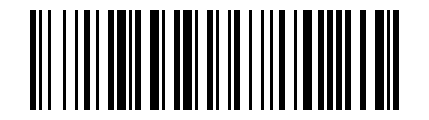
Swap case#
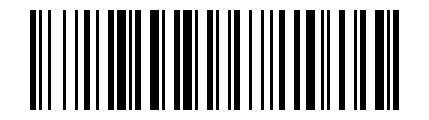
all caps#
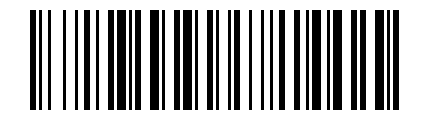
all lowercase#
Case conversion does not apply when the keyboard layout is set to ALT or TH.
Num Lock Settings#
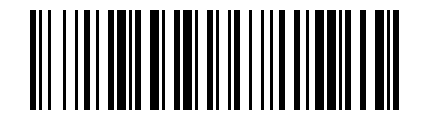
Disable Num Lock#
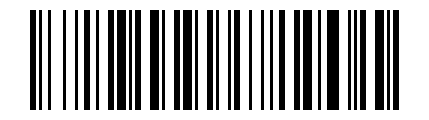
Num Lock on#
*When the receiving device is a mobile phone, you need to keep the Num Lock off setting, otherwise the numbers will not be displayed.
Enter character set settings#
Note
Applicable only to certain mod’s of 2D Barcode Readers, this setting matches the 2D module’s output character set.
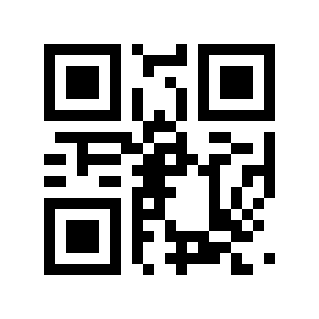
Read the current character set settings#
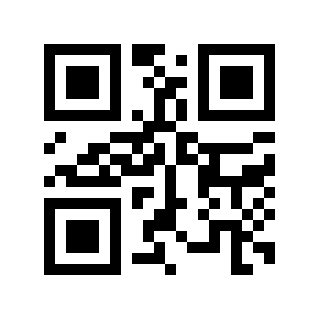
Auto#
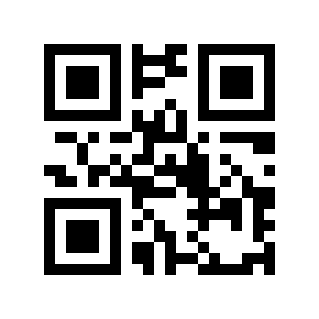
GBK / BIG5 / HANGUL / SJIS#
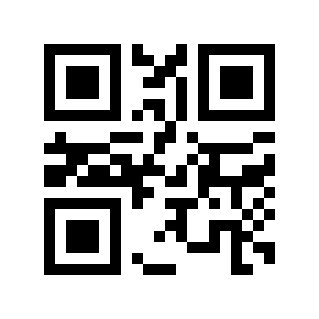
ISO/IEC 8859#
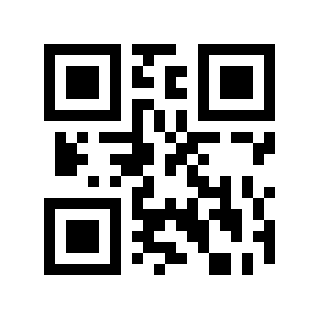
UTF8(Word)#
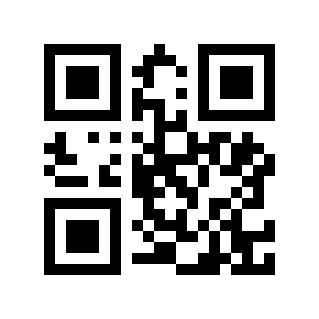
UTF8(Txt)#
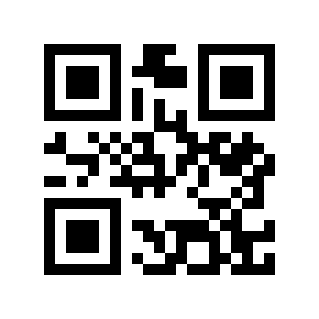
Normal mode#
Note:
model |
Applicable scenarios |
Scan Engine Output Character Set |
limit |
|---|---|---|---|
Auto |
Automatically select the input character set as UTF8 or ISO/IEC 8859; Word or Txt output is based on the last UTF8 setting. |
primitive type |
none |
GBK |
Windows Notepad, Excel Chinese input. |
GBK (GB2312) or original type |
Applies to Windows systems only. |
UTF8 (Word) |
Word, QQ Chinese input. |
UTF8 or primitive type |
Applies to Windows systems only. |
ISO/IEC 8859 |
European single-byte special characters ( |
primitive type |
Languages not listed need to be added by customization. |
UTF8 (Txt) |
To input special characters in Windows Notepad, you need to install the Unicode plug-in. |
UTF8 or primitive type |
Applies to Windows systems only. |
Normal |
Multi-language special characters, suitable for characters on FR, GE, TR, PT, ES, CS, IT, UK, HU, SK keyboards. |
UTF8 or primitive type |
Languages not listed need to be added by customization. |
Receiving device selection#
Note
This section configures how different host devices enter ASCII characters (0x20 to 0x7F). Use it together with Keyboard Layout Settings.
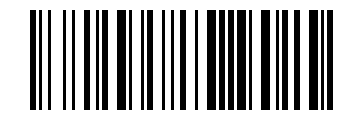
Read the current receiving device settings#
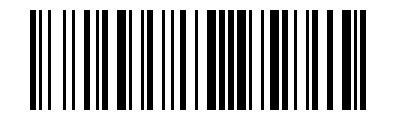
Windows device#
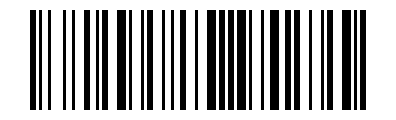
iPhone/iPad/Mac devices#
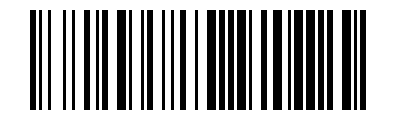
Android device#
*IOS/MAC devices are currently valid: FR, DE, TR, PT, ES, CS, IT, UK, HU, SK. Please refer to the document “MAC iphone ipad keyboard layout for barcode scanner.docx”
*It is recommended to install Google Gboard input method uniformly on Android devices. Please refer to the document “Android device keyboard layout for barcode scanner.docx”
Keyboard language settings#
See also
Keyboard language settings have been split into a separate page: Keyboard Language Settings.